

Expense Invoice Extractor
Extract invoice data from expense invoices automatically. Process invoices for business expenses to track spending, manage budgets, and prepare expense reports.
Drop PDF here or click to upload
What will be extracted
Fields to Extract
13 fields
Tables
1 tables
line items
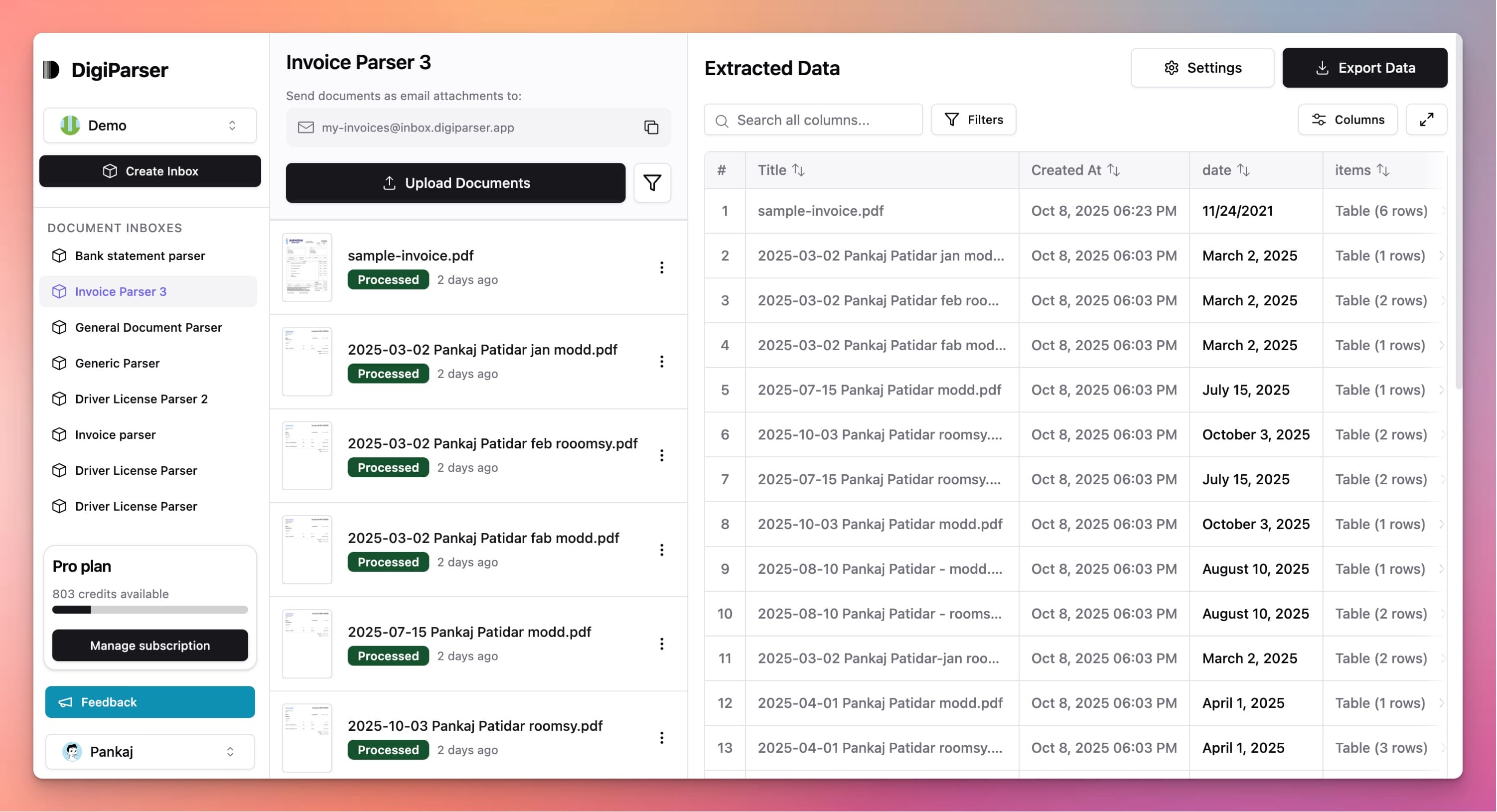
Get Production-Ready Data Extraction
Upgrade to DigiParser — the enterprise-grade data extraction platform capable of handling hundreds of pages with 99.9% accuracy and unlimited advanced use cases.
Extractable Data Fields
This tool extracts the following structured data fields from your documents:
Fields
- currencystring
- Invoice currency as ISO 4217 code (e.g., USD, EUR, GBP).
- due datestring
- The payment due date, in YYYY-MM-DD format.
- subtotalnumber
- Total amount before taxes are applied (must be >=0).
- tax totalnumber
- Total taxes applied to the invoice (must be >=0).
- grand totalnumber
- Total amount payable (subtotal + taxes, must be >=0).
- invoice datestring
- The date the invoice was issued, in YYYY-MM-DD format.
- customer namestring
- Customer company or individual name.
- supplier namestring
- Supplier company or individual name.
- invoice numberstring
- The unique invoice number assigned by the issuer.
- customer tax idstring
- Tax or VAT identification number of the customer.
- supplier tax idstring
- Tax or VAT identification number of the supplier.
- customer addressstring
- Full address of the customer.
- supplier addressstring
- Full address of the supplier.
Tables
line items
Detailed product/service lines that make up the invoice.
- totalnumber
- Line total (quantity * unit_price, must be >=0).
- quantitynumber
- Quantity of item/service (must be positive).
- tax ratenumber
- Tax rate applied to the item/service line, as percentage (0-100, optional if no VAT).
- unit pricenumber
- Unit price of the item/service (must be >=0).
- descriptionstring
- Description of the item/service.
Features
Extracts expense amounts and categories
Captures expense dates and descriptions
Identifies expense types and classifications
Extracts vendor and merchant information
Handles expense invoice formats
Benefits
Process expense invoices faster
Track business expenses accurately
Simplify expense management
Reduce errors in expense processing
Support expense reporting workflows
Use Cases
Expense Report Preparation
Extract expense details from invoices to prepare expense reports. Get all expense information including amounts, dates, and descriptions ready for reporting.
Expense Budget Tracking
Extract costs from expense invoices to track spending against budgets. Monitor expenses by category or department to manage budgets effectively.
Expense Reimbursement Processing
Extract invoice data for employee expense reimbursements. Get expense details to process reimbursements accurately and maintain expense records.
Frequently Asked Questions
What expense information is extracted?
The tool extracts expense amounts, dates, descriptions, vendor names, and expense categories when shown on invoices to help track and classify expenses.
Can it categorize expenses automatically?
The tool extracts expense descriptions and amounts. You can use the extracted descriptions to categorize expenses in your expense management system.
Does it work with different expense types?
Yes, the tool works with invoices for any type of business expense including travel, meals, supplies, services, and other business-related expenses.
Upgrade to DigiParser Pro
Process unlimited documents with API access, custom integrations, and enterprise-grade features.
No credit card required • 20 free documents included