

Sales Tax Invoice Extractor
Extract sales tax information from invoices automatically. Get tax amounts, tax rates, and taxable amounts for sales tax compliance and reporting.
Drop PDF here or click to upload
What will be extracted
Fields to Extract
12 fields
Tables
1 tables
items
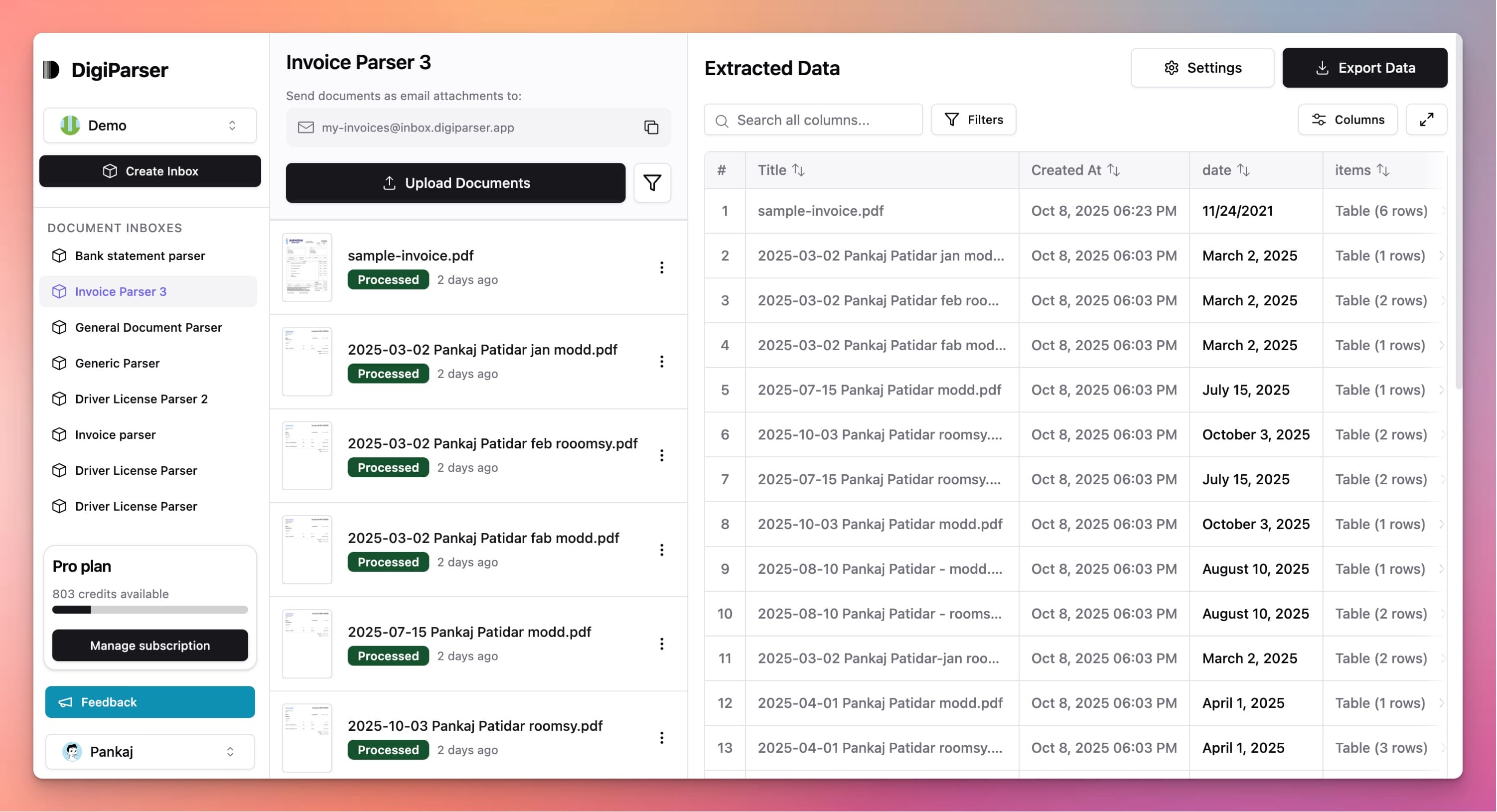
Get Production-Ready Data Extraction
Upgrade to DigiParser — the enterprise-grade data extraction platform capable of handling hundreds of pages with 99.9% accuracy and unlimited advanced use cases.
Extractable Data Fields
This tool extracts the following structured data fields from your documents:
Fields
- currencystring
- Currency code as per ISO 4217 (e.g. USD, EUR, INR).
- subtotalnumber
- Sum of the line item totals before tax.
- total taxnumber
- Sum of tax amounts for all line items.
- buyer namestring
- Legal name of the buyer.
- grand totalnumber
- Total amount payable (subtotal + total tax).
- seller namestring
- Legal name of the seller.
- buyer tax idstring
- Tax identification number of the buyer.
- invoice datestring
- Date when the invoice was issued, in YYYY-MM-DD format.
- buyer addressstring
- Business or delivery address of the buyer.
- seller tax idstring
- Tax identification number of the seller.
- invoice numberstring
- The unique number that identifies the invoice.
- seller addressstring
- Business address of the seller.
Tables
items
List of goods or services on the invoice.
- quantitynumber
- The number of units sold.
- tax amountnumber
- Total tax amount charged for this line.
- unit pricenumber
- Price per single unit before tax.
- descriptionstring
- Description of the item or service sold.
- total amountnumber
- Total amount for this line including tax.
- tax rate percentnumber
- Tax rate for the item (percentage, e.g. 5.0 for 5%).
Features
Extracts sales tax amounts and rates
Identifies taxable and non-taxable items
Separates subtotal, tax, and total amounts
Handles multiple tax rates on single invoice
Captures tax-exempt items and exemptions
Benefits
Prepare sales tax returns accurately
Meet state and local tax requirements
Process invoices with sales tax faster
Reduce tax calculation errors
Simplify sales tax compliance
Use Cases
Sales Tax Return Filing
Extract sales tax details from supplier invoices to prepare your sales tax returns. Get all tax amounts ready for submission to tax authorities.
Multi-State Tax Processing
Process invoices from suppliers in different states and extract sales tax information. Handle varying tax rates and rules across jurisdictions.
Tax-Exempt Purchase Tracking
Identify tax-exempt purchases from invoices. Extract information about exempt items and resale certificates for proper tax treatment.
Frequently Asked Questions
Which states and jurisdictions are supported?
The tool works with invoices from any state or jurisdiction. It extracts the sales tax amounts and rates as shown on the invoice, regardless of location.
Can it handle local sales taxes?
Yes, the tool extracts all tax amounts shown on invoices, including state sales tax, local sales tax, and any other tax components separately identified.
What if an invoice has multiple tax rates?
The tool can extract multiple tax rates and amounts from a single invoice. It identifies different tax components and their corresponding amounts.
Upgrade to DigiParser Pro
Process unlimited documents with API access, custom integrations, and enterprise-grade features.
Invoice Parser
Automate accounts payable with AI-powered invoice processing. Extract vendor details, line items, and totals with 99.7% accuracy.
Tax Statement Parser
Extract tax data from W-2s, 1099s, and other tax documents automatically.
No credit card required • 20 free documents included