

Bulk Invoice Extractor
Process multiple invoices at once. Upload several invoices and extract data from all of them in one batch. Perfect for monthly invoice processing.
Drop PDF here or click to upload
What will be extracted
Fields to Extract
1 fields
Tables
1 tables
invoices
Get Production-Ready Data Extraction
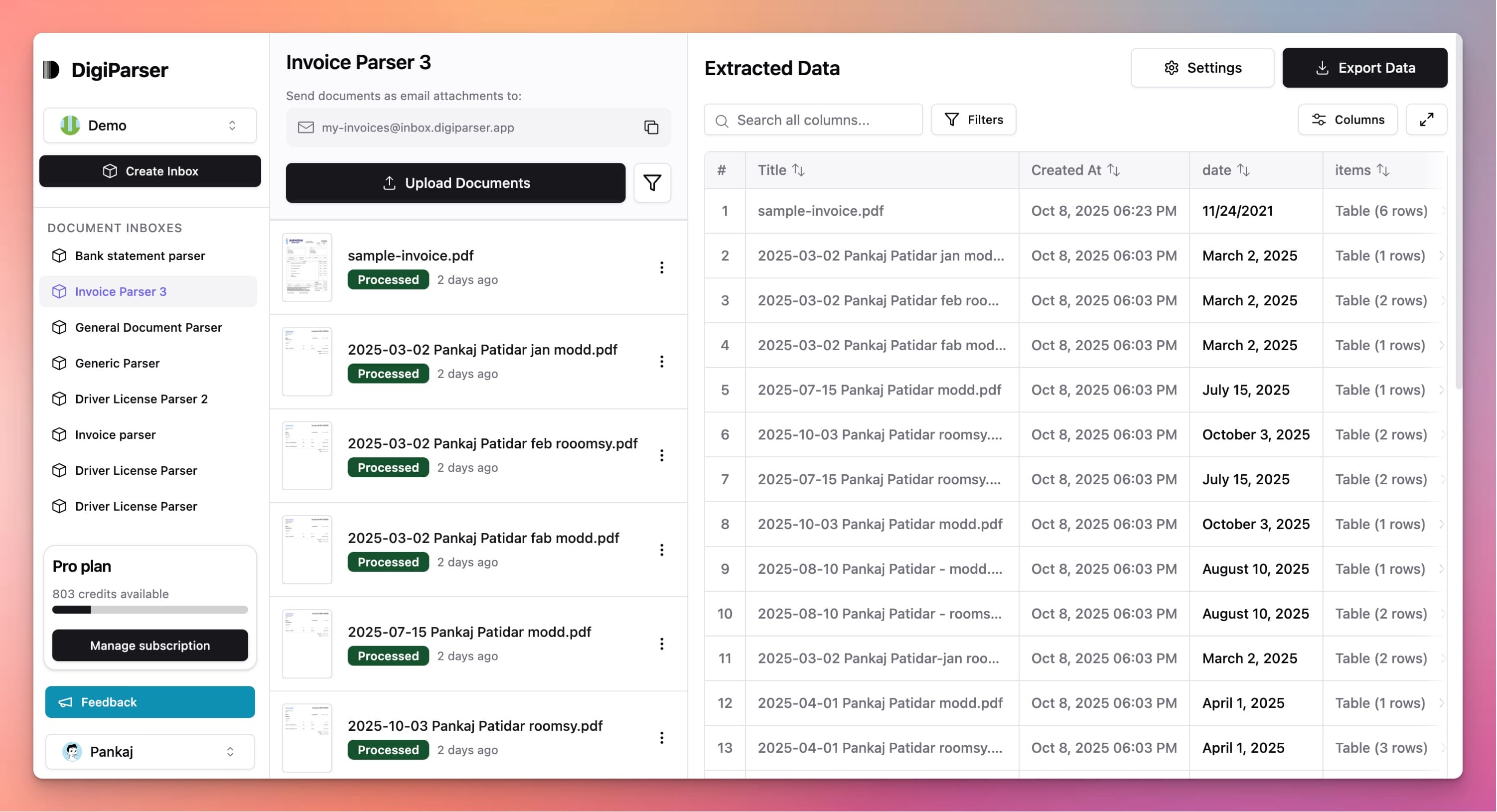
Upgrade to DigiParser — the enterprise-grade data extraction platform capable of handling hundreds of pages with 99.9% accuracy and unlimited advanced use cases.
Extractable Data Fields
This tool extracts the following structured data fields from your documents:
Fields
- batch idstring
- Unique identifier for the extraction batch
Tables
invoices
List of extracted invoices
- currencystring
- Currency code (ISO 4217)
- invoice idstring
- Unique identifier for the invoice
- invoice datestring
- Date on which the invoice was issued (YYYY-MM-DD)
- customer namestring
- Name of the customer billed on the invoice
- invoice totalnumber
- Total amount of the invoice
- supplier namestring
- Name of the supplier
- customer tax idstring
- Tax identification number of the customer
- supplier tax idstring
- Tax identification number of the supplier
Features
Process multiple invoices simultaneously
Extract data from invoice batches
Organize results by invoice
Export all invoices in one file
Save time on bulk processing
Benefits
Process dozens of invoices at once
Complete monthly invoice processing faster
Reduce repetitive work significantly
Maintain consistency across invoices
Handle high-volume invoice processing
Use Cases
Monthly Invoice Processing
At month-end, process all invoices received during the month in one batch. Extract data from dozens of invoices simultaneously instead of one-by-one.
Vendor Invoice Batches
When vendors send multiple invoices together, process them all at once. Extract data from the entire batch without opening each invoice individually.
Historical Invoice Import
Import historical invoices into your system. Process multiple old invoices in bulk to build complete financial records quickly.
Frequently Asked Questions
How many invoices can I process at once?
You can process multiple invoices in a single batch. The exact number depends on file sizes, but the tool is designed to handle bulk processing efficiently.
Will all invoices be extracted correctly?
Each invoice is processed individually, so results may vary by invoice quality. Most invoices extract accurately, but you may need to verify some results.
How are results organized?
Results are organized by invoice, with each invoice's data clearly separated. You can export all results together or review each invoice individually.
Upgrade to DigiParser Pro
Process unlimited documents with API access, custom integrations, and enterprise-grade features.
No credit card required • 20 free documents included