

Scanned Invoice Extractor
Extract data from scanned invoice images. Perfect for processing invoices received as photos, scans, or image files. Uses advanced OCR to read invoice text.
Drop PDF here or click to upload
What will be extracted
Fields to Extract
13 fields
Tables
1 tables
line items
Get Production-Ready Data Extraction
Upgrade to DigiParser — the enterprise-grade data extraction platform capable of handling hundreds of pages with 99.9% accuracy and unlimited advanced use cases.
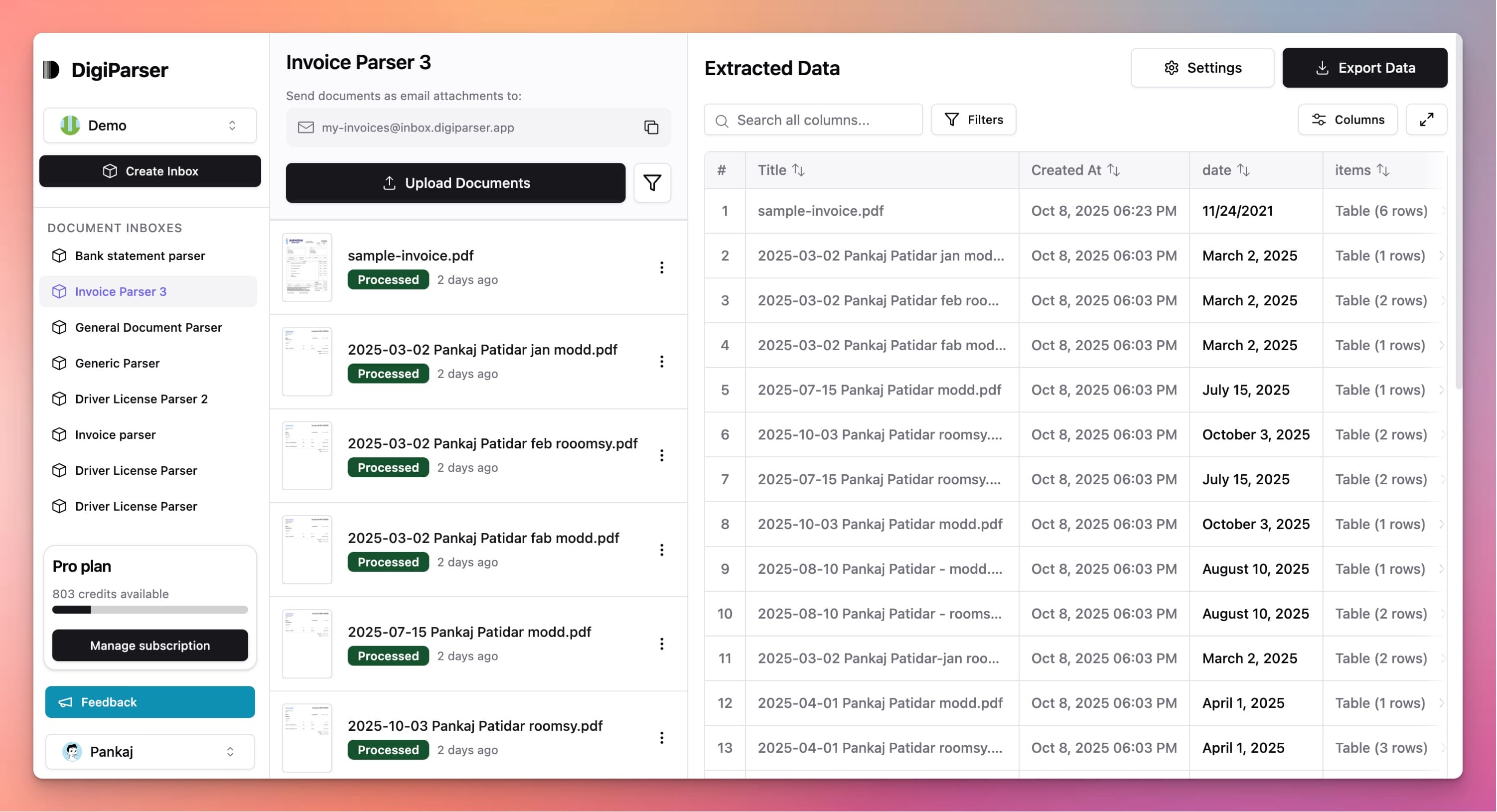
Extractable Data Fields
This tool extracts the following structured data fields from your documents:
Fields
- currencystring
- Currency code for the invoice, e.g. EUR, USD
- due datestring
- Date the invoice payment is due (YYYY-MM-DD)
- subtotalnumber
- Subtotal of all line items before VAT/tax
- total vatnumber
- Total VAT/tax amount for the invoice
- invoice datestring
- Date the invoice was issued (YYYY-MM-DD)
- total amountnumber
- Grand total to be paid (subtotal + VAT + other charges if shown)
- customer namestring
- Customer name as extracted
- supplier namestring
- Supplier name from the invoice
- invoice numberstring
- Unique invoice identifier extracted from the scan
- customer vat idstring
- Customer VAT or tax ID on the invoice
- supplier vat idstring
- Supplier VAT or tax ID as shown on the invoice
- customer addressstring
- Customer address as shown
- supplier addressstring
- Supplier full address as extracted
Tables
line items
List of itemized goods or services from the invoice, each as an object
- quantitynumber
- Quantity of the item or service
- vat ratenumber
- Applicable VAT rate for this line item (%), e.g. 21 for 21%
- unit pricenumber
- Price per individual unit or service (excluding tax)
- descriptionstring
- Description of the product or service
- total pricenumber
- Line total for this item (quantity * unit price, before tax)
Features
OCR technology reads scanned invoice images
Works with JPG, PNG, and TIFF image files
Handles photos taken with mobile phones
Extracts data from low-quality scans
Processes invoices with various image qualities
Benefits
Process invoices received as photos
Handle scanned paper invoices easily
No need to ask vendors for digital versions
Digitize paper invoices quickly
Make image invoices searchable and usable
Use Cases
Mobile Invoice Photos
When vendors send invoice photos via text message or email, extract data directly. No need to ask for PDF versions or retype information.
Scanned Paper Invoices
Process invoices that have been scanned from paper. Extract all data from scanned images to create digital records without manual entry.
Receipt and Invoice Images
Handle invoices received as image attachments. Extract data from photos or scans to process expenses and maintain accurate records.
Frequently Asked Questions
What image quality is needed?
Clear, well-lit images work best. While the tool handles various image qualities, sharp, high-resolution images produce the most accurate results.
Can it read invoices from photos?
Yes, the tool can extract data from photos taken with phones or cameras. Make sure the invoice is clearly visible and well-lit in the photo.
What if the image is rotated or skewed?
The tool automatically detects and corrects image orientation. It can handle rotated or slightly skewed images, though perfectly straight images work best.
Upgrade to DigiParser Pro
Process unlimited documents with API access, custom integrations, and enterprise-grade features.
No credit card required • 20 free documents included